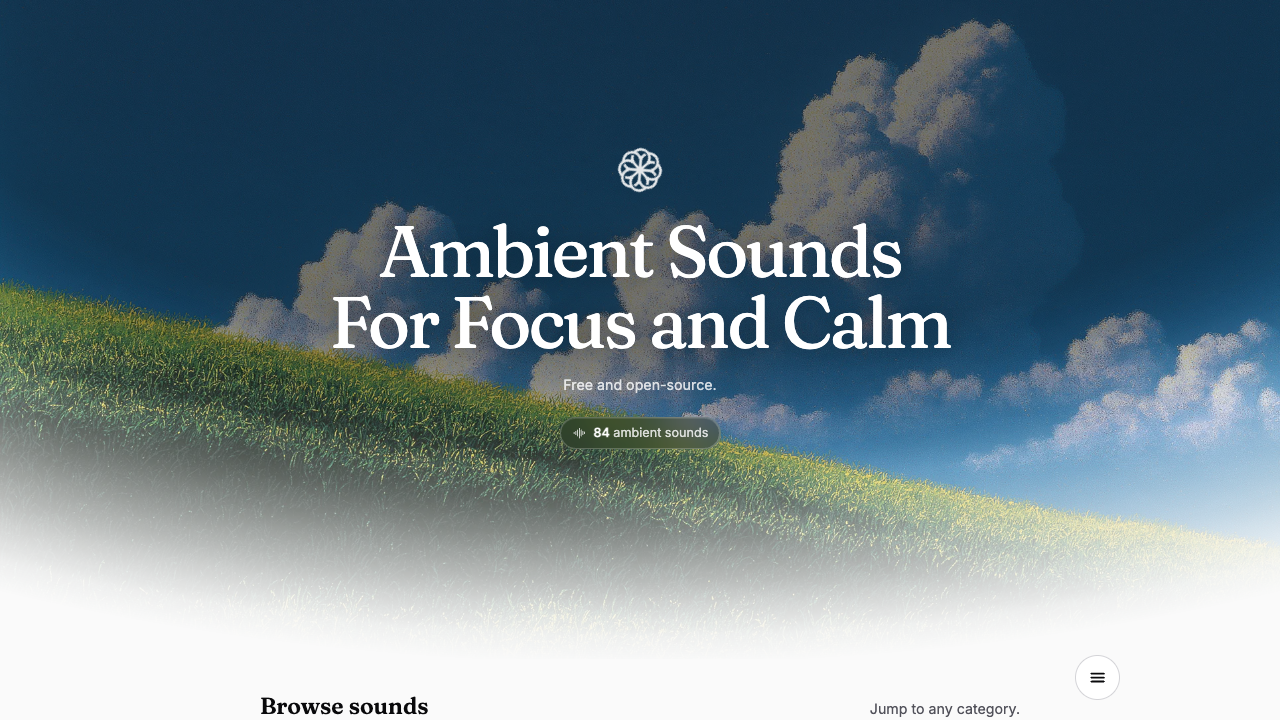
After a loud meeting, a crowded commute, or a stream of messages, silence may not feel instantly restful. You still have something small to do, but your attention has not settled. Moodist offers a modest experiment: choose a sound background for five minutes and see how you respond.
Moodist is a free, open-source website with ambient sounds you can layer and adjust. Its repository also lists presets, a sleep timer, a Pomodoro timer, and a breathing prompt. You can ignore all of those for a first visit. This is for someone who wants a different setting for reading, working, or pausing—not a tool that diagnoses or fixes the feeling behind a difficult day.
Make a five-minute mix
- Open the official website in a browser. The public page says there is no registration or subscription requirement.
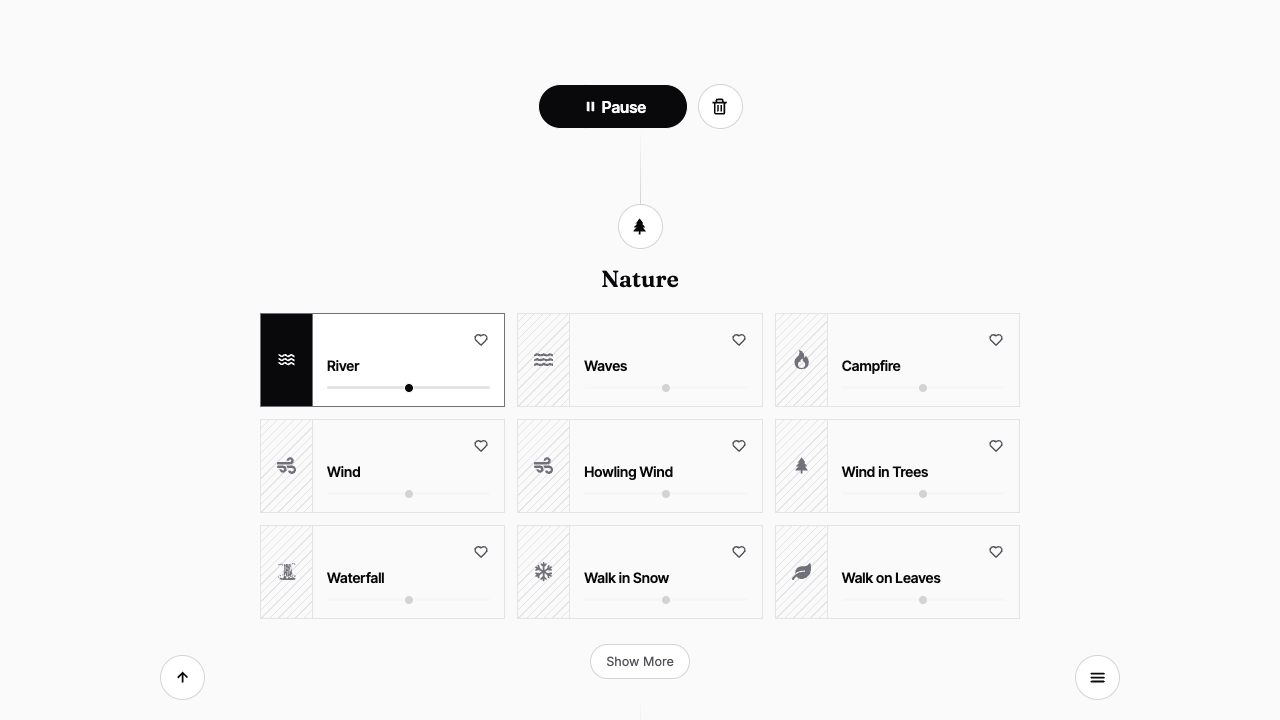
- Try Light Rain in Rain or River in Nature. A selected sound gets its own volume control. Start quietly; add only one more sound if you want to compare.
- Return to one small activity: read a page, write three lines, or sit for a moment. After five minutes, ask: Do I want this sound to continue, change, or stop? There is no correct mix.
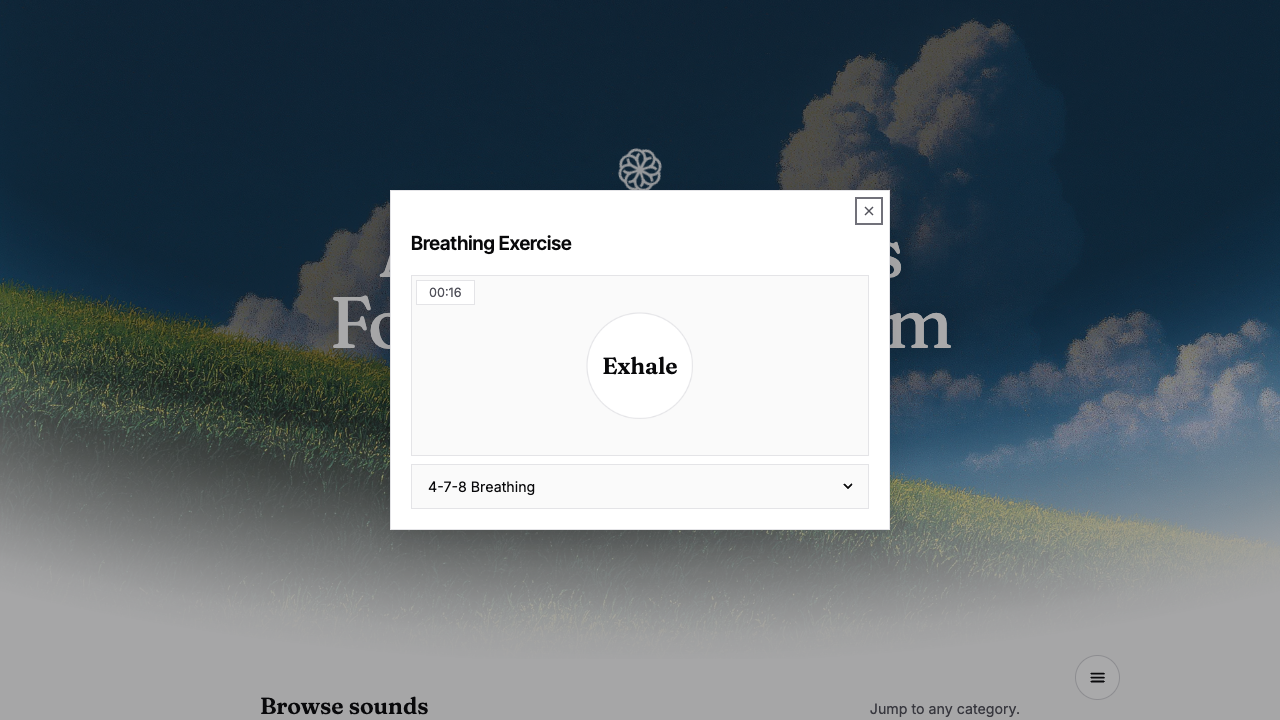
- If a visual breathing cue would help, open Menu → Breathing Exercise. The interface offers timed inhale and exhale prompts and several patterns. Follow them comfortably, or close the panel if they feel unhelpful.
The useful part is noticing your own response
Rain may help one person read and annoy another. Try two sounds, one at a time, and write down why you would keep or close each one. That leaves you with a choice you have actually tested, rather than a generic “calming” playlist. If your mind keeps returning to an unresolved conversation, write one sentence naming the concern after the five minutes; sound does not solve that conversation for you.
Sources and limits
On October 19, 2026, the official site described 84 sounds, free use, and no registration or subscription. The repository showed roughly 3.9k GitHub stars and an MIT software license. Some sound recordings have separate third-party asset licenses, so the software license should not be read as permission to republish every recording.
Our actual browser check on September 20 covered opening the public page, selecting Light Rain and River, observing the controls, and opening the breathing panel. We did not measure listening quality, mobile behavior, offline caching, network requests, or long-term effects. The site images above are captures of the real interface. This five-minute routine is an editorial suggestion, not a feature claim.
Read the Chinese version.