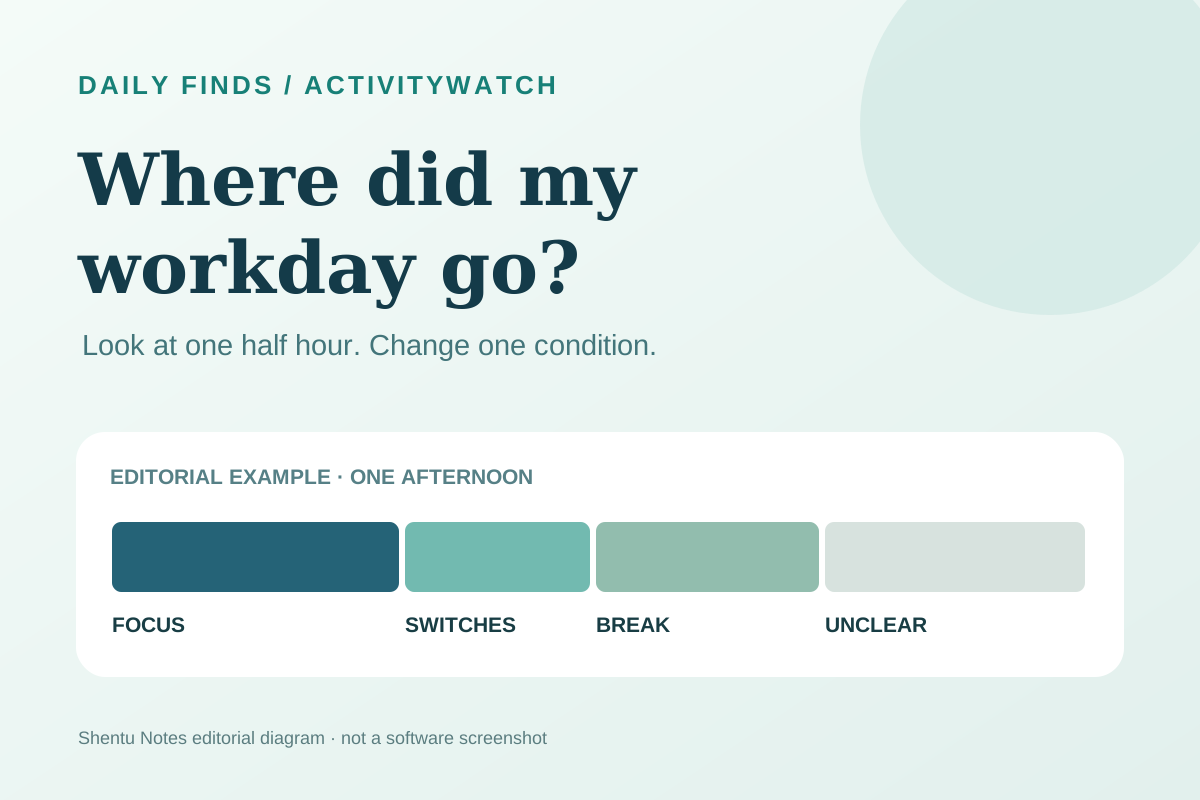
You shut your laptop and remember being busy, but cannot name what took the afternoon. “Be more disciplined tomorrow” sounds like a plan until tomorrow arrives with the same meetings, messages, and half-finished task. A more useful first question is: what actually happened during the hour I meant to work on that task?
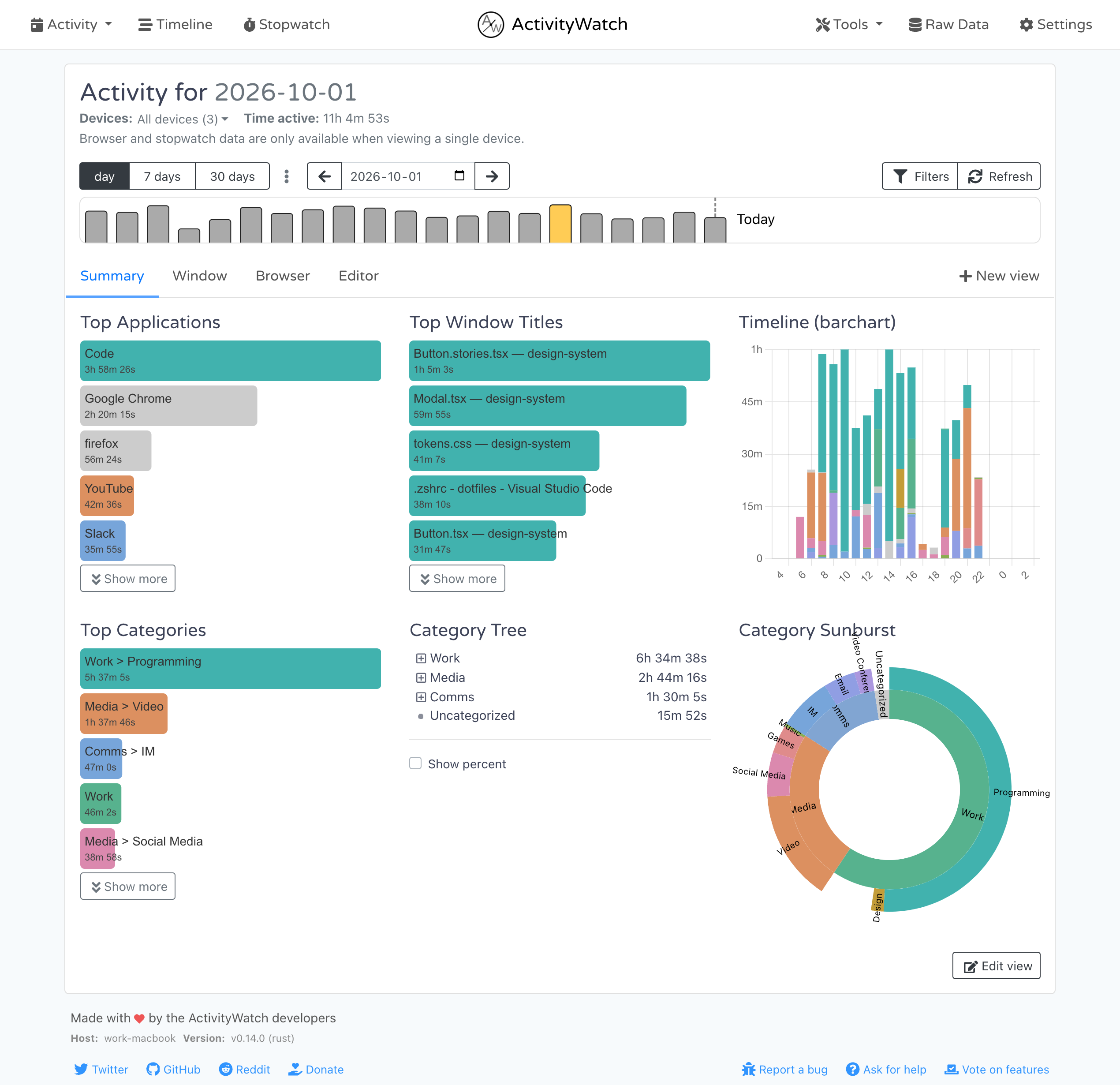
ActivityWatch records active apps and windows automatically, then shows a timeline in a local browser page. It is useful if manual timers interrupt you, or if you want to spot a pattern before changing your schedule. It measures activity on a device; it cannot tell whether a conversation was valuable or whether a pause was necessary.
What you will see
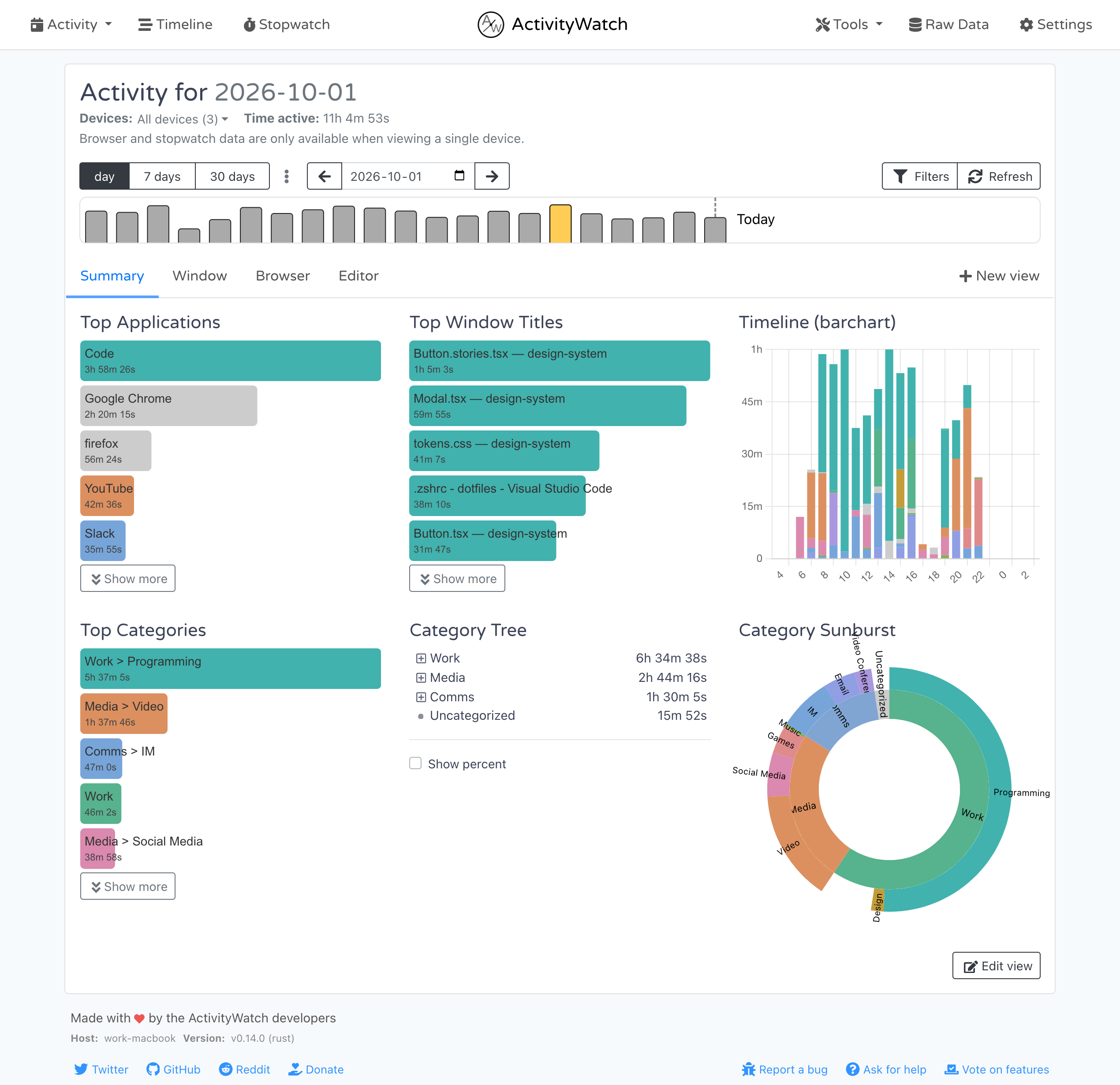
The desktop app tracks the foreground application, window title, and whether you were away from the computer. Its optional browser extensions add active-tab information. The official Activity view groups records into applications and categories; the Timeline view helps you inspect a particular period. You can start with the default desktop tracking and decide later whether website detail is worth the extra data collection.
Try one small experiment over three days
- Download ActivityWatch from the official site and follow its getting-started guide for your operating system. The project lists Windows, macOS, Linux, and Android; this walkthrough uses the desktop app. On macOS, select the download for your chip. Once the desktop app is running, open
http://localhost:5600on that computer. - On day one, check only that records appear. Leave your normal routine alone.
- On days two and three, look at the same half hour when you hoped to do a specific task. How often does the active window change? Does the timeline show a long away period? A window title tells you what was foreground, not what you were thinking.
- Change one condition for the next day: close a chat window for that half hour, silence one alert, or move the task to a quieter time. Compare that period, rather than grading your entire day.
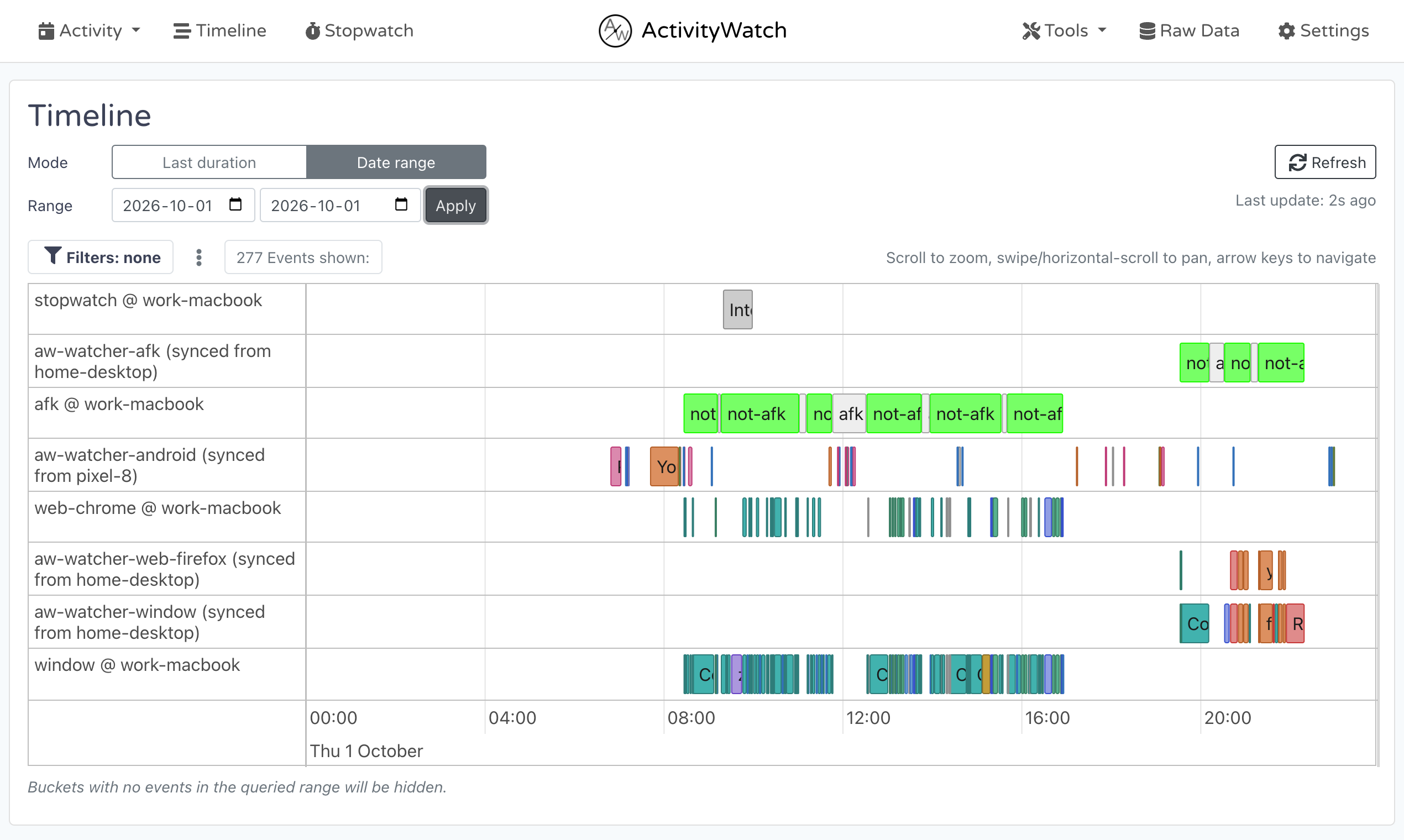
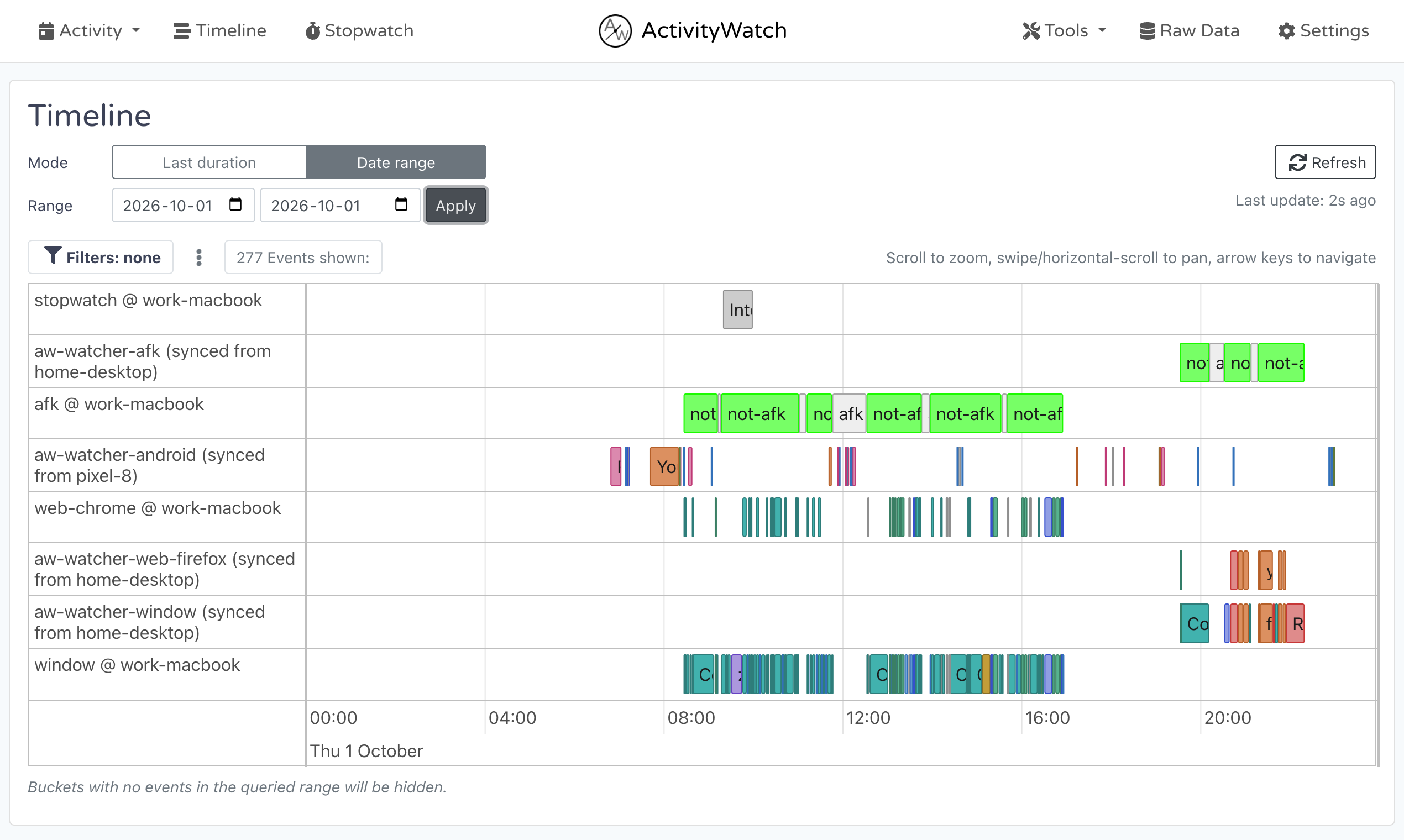
This can turn “I always procrastinate” into something testable, such as “I switched between chat and my document seven times during the half hour I reserved for writing.” The next step might be changing notifications. It might also be admitting that you needed a break. The chart alone does not decide.
Cost, privacy, and why it made the list
As checked on October 19, 2026, ActivityWatch describes its core tracker as free, open source under MPL-2.0, with optional Pro patronage starting at $5 a month. The site says activity data stays on your device. Window titles and browser details can still be sensitive, so review what is recorded before exporting or sharing anything. The project also describes optional sync work and optional integrations; check their settings separately before using them.
Our October 15 GitHub snapshot recorded 19,234 stars and a recent release. That is a dated popularity observation, not a measured growth rate. We chose it because it gives a concrete answer to a familiar workday question while leaving the interpretation with the person using it.
We checked the official site, repository, getting-started guide, and privacy documentation, plus the two published sample images. We did not install it, collect three days of personal records, or test permissions on every platform. The three-day exercise is our suggested way to evaluate whether the tool helps you notice a useful pattern.
Read the Chinese version.