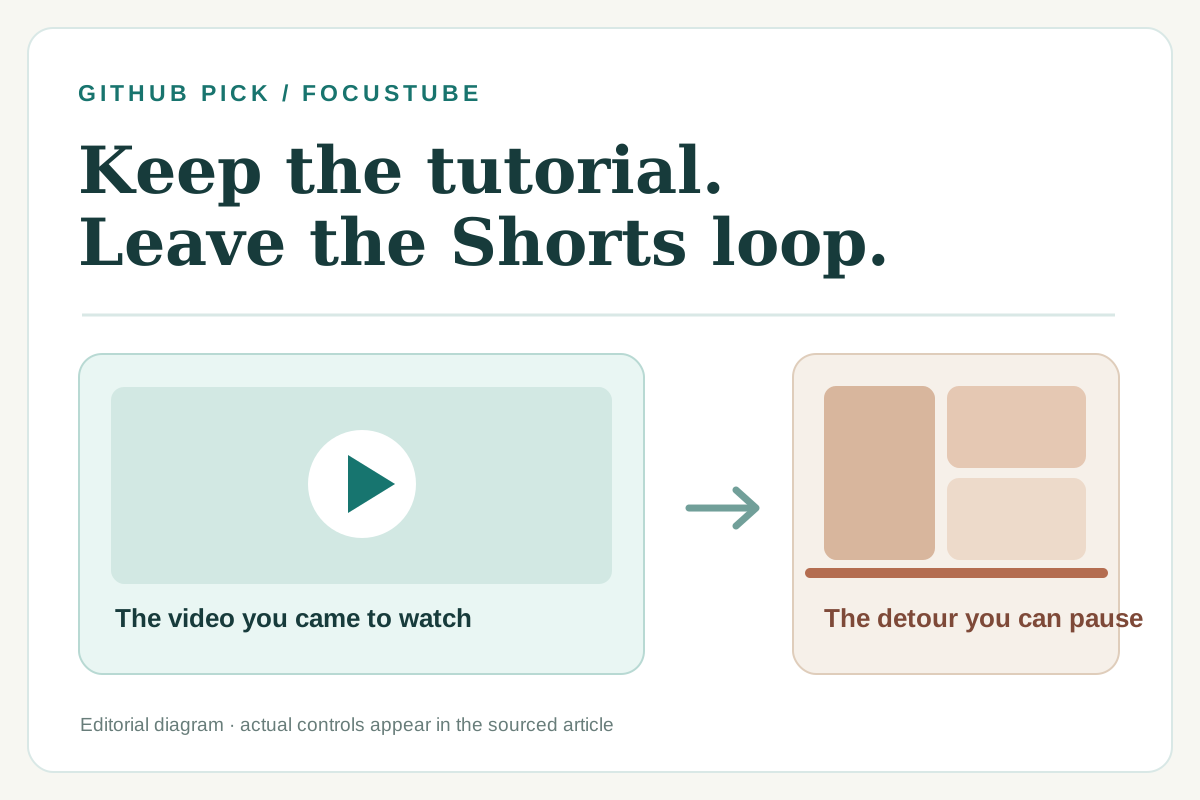
You open YouTube to learn one thing: how to fix a spreadsheet, stretch a tight shoulder, or cook dinner. A few minutes later, you are watching Shorts you never meant to open. Blocking all of YouTube would also block the video you came for. FocusTube offers a narrower boundary: keep ordinary videos and search available, and add friction to selected short-video routes and entry points.
This is most useful if you still need the sites that distract you. It is a free, open-source browser extension for desktop Chrome, Firefox, and Edge. The project also describes controls for Instagram, TikTok, Facebook, and LinkedIn; this walkthrough concentrates on YouTube, where the choice between a useful video and the Shorts feed is easiest to see.
What changes when you turn it on?
FocusTube separates route blocking from visual hiding. According to its YouTube guide, an ordinary watch page, search result, subscription page, or playlist is not a target for route blocking. A recognized /shorts/ URL is treated differently when Focus Mode is on or a work timer is running. Optional visual hiding can remove detected Shorts links, shelves, chips, and tabs. It depends on the page elements YouTube currently renders, so it may not catch every future layout.
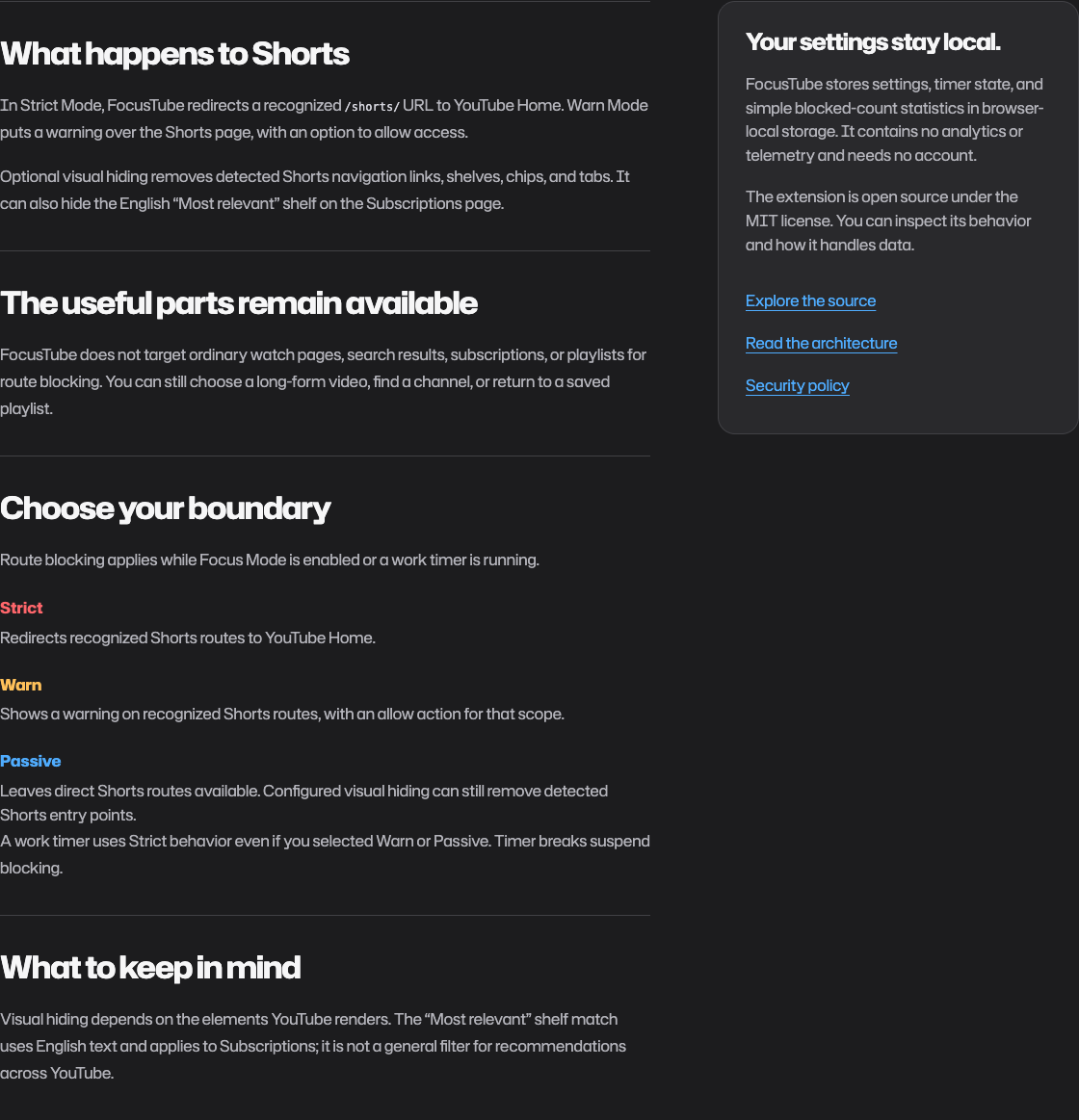
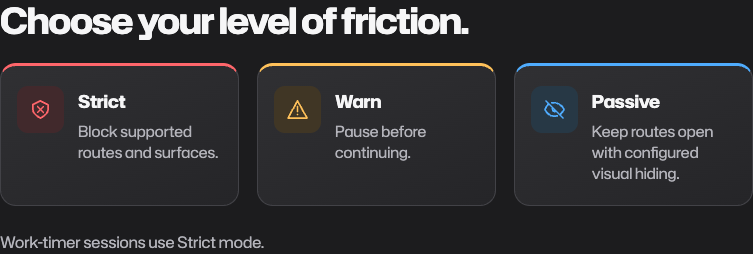
There are three levels of friction. Strict redirects a recognized Shorts route to YouTube Home. Warn puts a choice in front of you before continuing. Passive leaves the route open while your selected visual hiding can still remove entry points. A work-timer session uses Strict behavior even if you chose another mode; breaks suspend blocking. That matters if you want to keep the option to watch something later rather than make a permanent, all-or-nothing rule.
A ten-minute way to try it
- Open the project site and follow its link to the Chrome store, Firefox add-ons, or the Edge store. Read that listing's current version and permissions before installing.
- In the extension settings, enable FocusTube, choose YouTube, and start with Warn if you want a conscious pause or Strict if a work session calls for a firmer boundary. Enable visual hiding only for the entry points you want removed.
- Search for the tutorial you came to watch. Open an ordinary video, then deliberately try a Shorts link. Notice which path stays open and where the interruption appears. If you start the work timer, expect Strict behavior during the work period.
- After ten minutes, ask a small question: Did this remove a specific detour while letting me finish my original task? If not, change the mode or turn it off. The blocked-count and “time saved” numbers are estimates, not a measure of personal growth.
Those steps follow the project's documentation. I opened the official site, YouTube guide, repository, and browser-store listings for this draft; I did not install the extension or verify its behavior on a live YouTube account. Treat the sequence as a guided trial, then judge what happens in your own browser.
Why this made the list
FocusTube addresses a concrete problem that a generic timer does not: you may need the useful part of a website while wanting distance from one addictive path through it. The project publishes source code under the MIT license, and its site links to official extension stores. On October 16, 2026, the GitHub repository had 39 stars in our recorded API snapshot, was not archived, and showed a last push on October 9. This is a small project with a dated popularity snapshot, not evidence of rapid growth.
The Chrome listing showed version 2.5.0, updated October 3; the repository README still describes a 2.4.0 source release. Check your own store listing rather than assuming the versions are identical. The Firefox listing shows access to data on supported social sites and a notification permission. The developer says preferences and statistics stay in browser-local storage and that there is no telemetry or project-operated backend. We have not audited the full extension or its network traffic.
Original sources
- FocusTube project site and YouTube-specific guide
- Open-source repository, architecture notes, and license
- Chrome Web Store and Firefox Add-ons
The screenshots above are attributed captures of the project's public documentation. The cover is an editorial diagram made for this article; it does not represent the extension's interface.