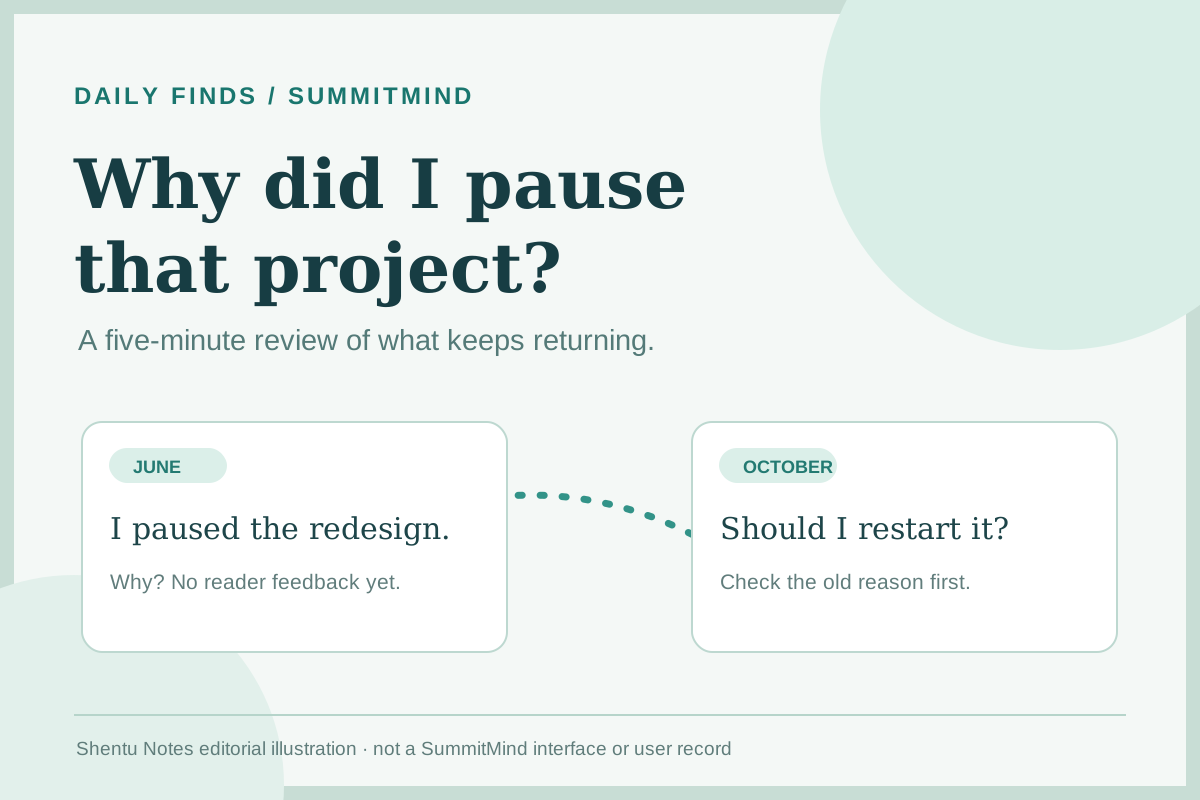
You open an old project folder and cannot remember why you stopped. Was the idea weak, or were you tired and short on time? Without that context, it is easy to restart the same argument with yourself. SummitMind is a small browser app for saving the reason behind a decision, then revisiting it alongside other notes.
Its useful promise is modest: capture a memory, give it a type and a few tags, and find it again when the same question returns. The app can filter notes by tag and assemble a monthly reflection report. I tried the live demo on October 27, 2026. The screenshots below use the author's sample memories, not a personal archive or an automatically discovered psychological pattern.
Start with one decision you might forget
Suppose you paused a portfolio redesign. A plain note like “stopped redesign” will not help much later. Instead, write what happened, what mattered, what you decided, and what would change your mind. A useful entry might say: I paused because I had no feedback from readers. I will revisit the layout after five conversations. This example is an editorial exercise, not a real user's data.
Open the live app. In Capture a memory, enter a title, choose Decision or Project log, write the context, and add a few consistent tags such as portfolio, feedback, and paused. Click Save memory. There is no account or installation step in the current web version. If you want to inspect the interface before writing anything, Load demo offers sample entries; the page asks before merging them with your archive.
Use the archive to recover context
When the question returns, search for the project name or select one of its tags. The archive groups entries by month. You can edit a memory if you remember a missing detail, or pin a decision that should stay visible during your next review.
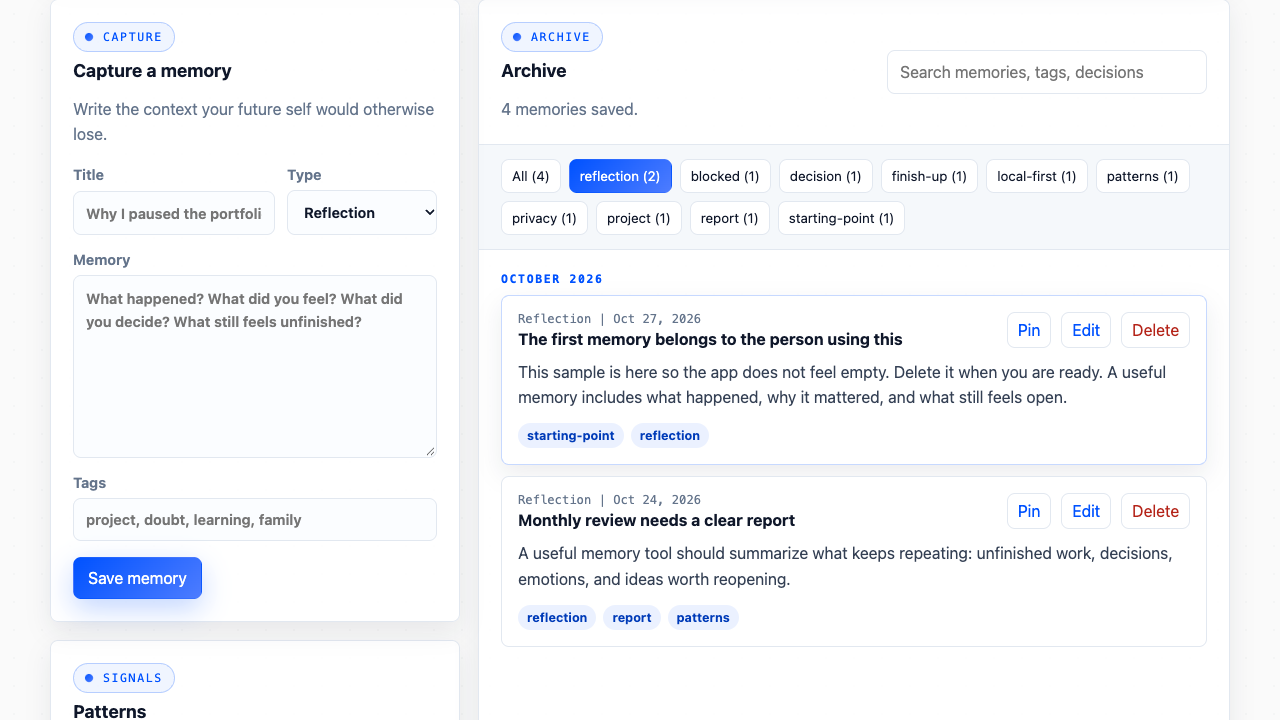
For a five-minute review, look at just two entries with the same tag. Ask: Did I face the same obstacle, or did I merely reuse the same word? A repeated tag is a pointer back to the notes, not an answer. If the two situations differ, change the tags. That small correction will make next month's search more useful.
Read the report as an index, not an interpretation
Click Report to open the monthly reflection summary. In the demo I saw four sample memories, two pinned notes, and five listed themes. The report surfaced frequent tags, pinned entries, and recent context. It made it easy to return to the original decisions, which is more useful than a generic “be consistent” message.
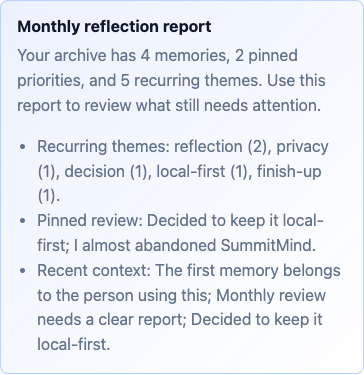
Here is the boundary that matters: the source code counts tags and looks for preset English words such as “decided,” “stuck,” and “tired” when it labels decision, unfinished, and feeling signals. It does not understand why an event happened. A report may miss your meaning, especially if you write in another language or use different words. Follow any signal back to the underlying note before drawing a conclusion.
The app also offers Copy for a Markdown report, Print, and Export for a JSON archive. For a first review, you only need the on-screen report. If the notes become useful to you, export a backup and keep it somewhere you control.
Why this project made the list
SummitMind addresses a common failure of note-taking: keeping the event while losing the reason behind it. The combination of a short capture form, tags, pins, and a report offers a practical monthly loop without a setup project. The browser demo is free, English-language, and immediately usable. On October 27, 2026, the GitHub repository API showed 2 stars, a last code push on May 22, 2026, and an unarchived MIT-licensed repository. This is a small project chosen for its fit to the problem, not a claim of popularity or fast growth; there is no earlier comparable star snapshot in this series.
The maintainer's privacy note says memories are stored in browser localStorage, with no backend, analytics, or third-party trackers in this MVP. I verified the visible demo workflow and read the source and privacy note; I did not independently audit all network traffic or persistence across devices. Browser storage is not an encrypted vault: anyone with access to your browser profile may be able to read these notes. Keep highly sensitive material out of it, and treat an exported JSON file as sensitive too.
Original sources: live app, repository and README, privacy note, MIT license, and signal/report implementation. Both interface images were captured from the author's live demo; the cover is a labeled Shentu Notes editorial illustration.